
Onecruiter
Integration guide
Add stories to job postings
Show employee videos directly in Onecruiter job postings using embed code.
Create a story in Gobi Studio
Go to studio.gobistories.com and log in. Create a new story with short videos and/or images, and publish it.
Customise and copy the code
Go to "Website" in the side menu in Gobi Studio. Click "Choose stories to embed", select the story you want to use and customise the appearance. When you're happy, click "Add to Site" and then "Copy code" to copy the script tag and HTML code.
Open the job posting in Onecruiter
Log in to Onecruiter, go to "Recruitments" and find the position you want to edit. Click "Edit position" and open code mode with the </> icon.
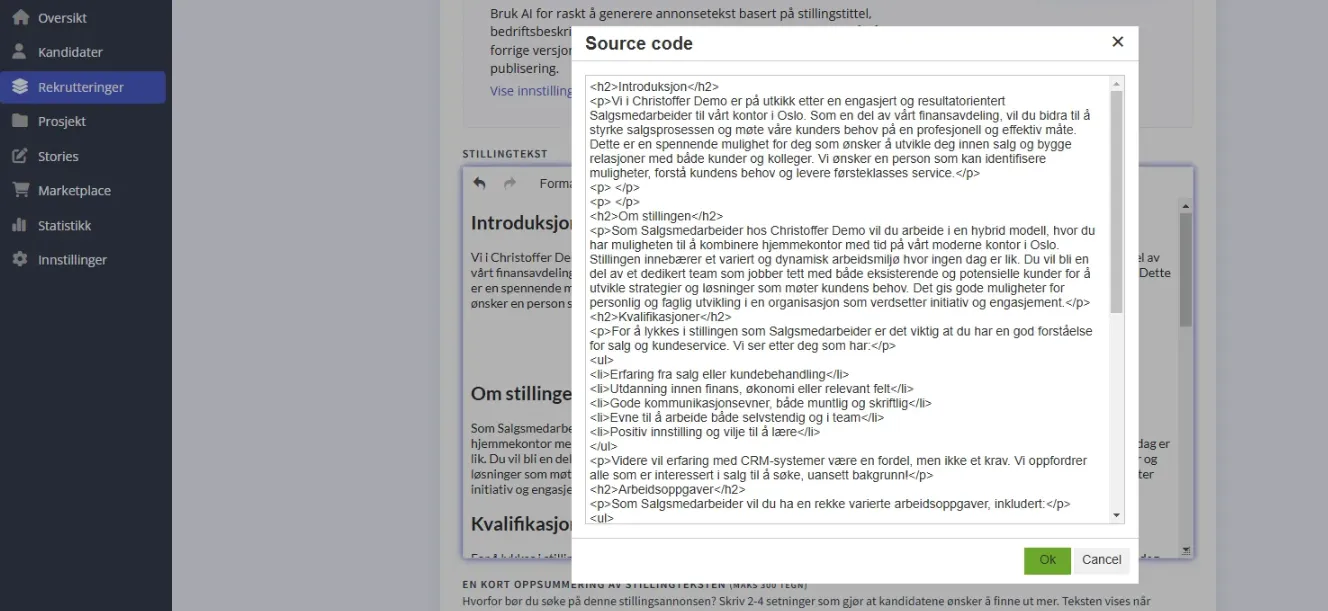
Paste the code and save
Paste the embed code where you want stories to appear in the posting. Click "Save" at the bottom of the page and preview the posting.
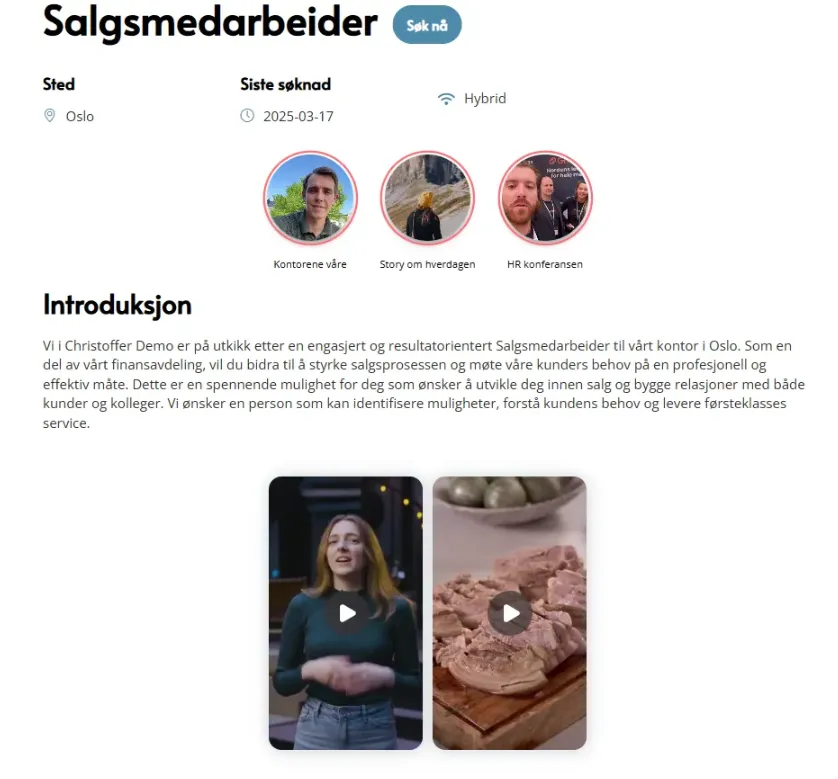
Did it work?
Let us know if you got it working, or if you need some help.