
Nuu
Integration guide
approx. 5 min 4 steps
Add stories to Nuu
Show employee videos on Nuu career pages and job postings using the built-in Gobi integration.
1
Create a story in Gobi Studio
Go to studio.gobistories.com and log in. Create a new story with short videos and/or images, and publish it.
2
Find the Story ID
Open the story in the editor and click the Story ID after "ID:" next to the title to copy it. You can also use "Copy ID" in the story card's menu under "Stories".
3
Connect in Nuu
Log in to Nuu, go to "Settings" → "Integrations" and paste the Story ID in the Gobi field. Save the settings.
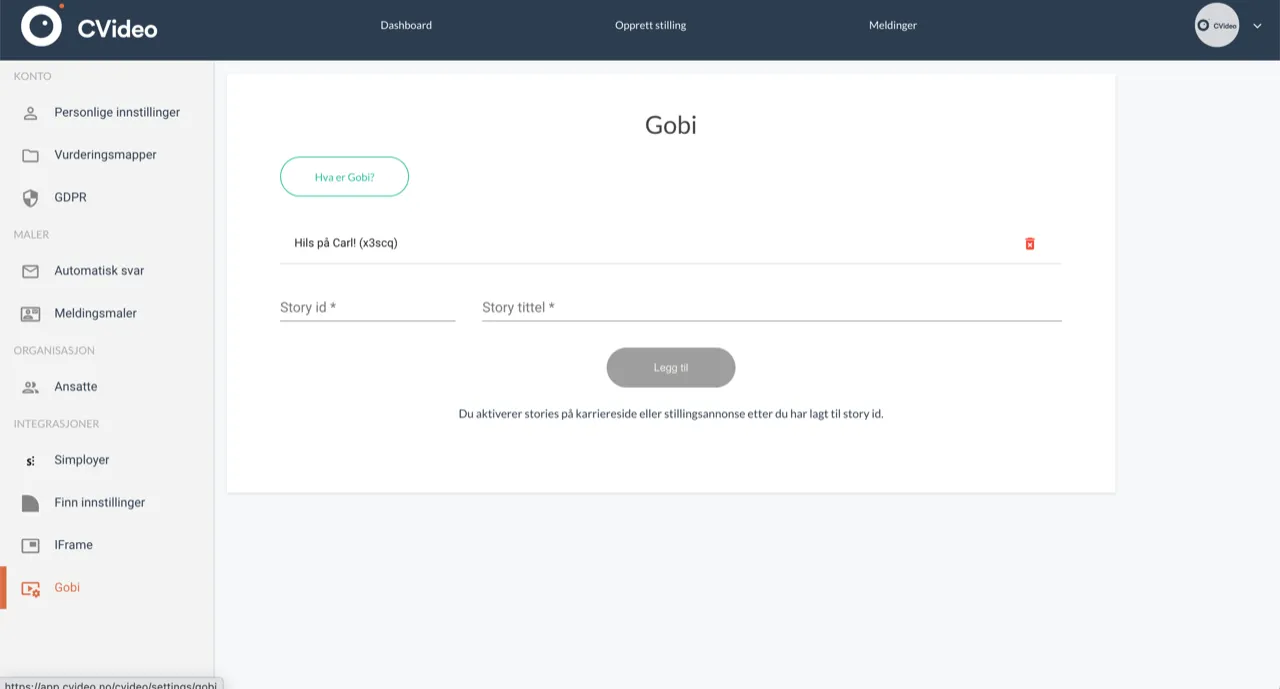
4
Add to a position or career page
Edit the career page or job posting in Nuu. Select the Gobi story you added and publish.
🎉
Did it work?
Let us know if you got it working, or if you need some help.